
Migrating from other providers
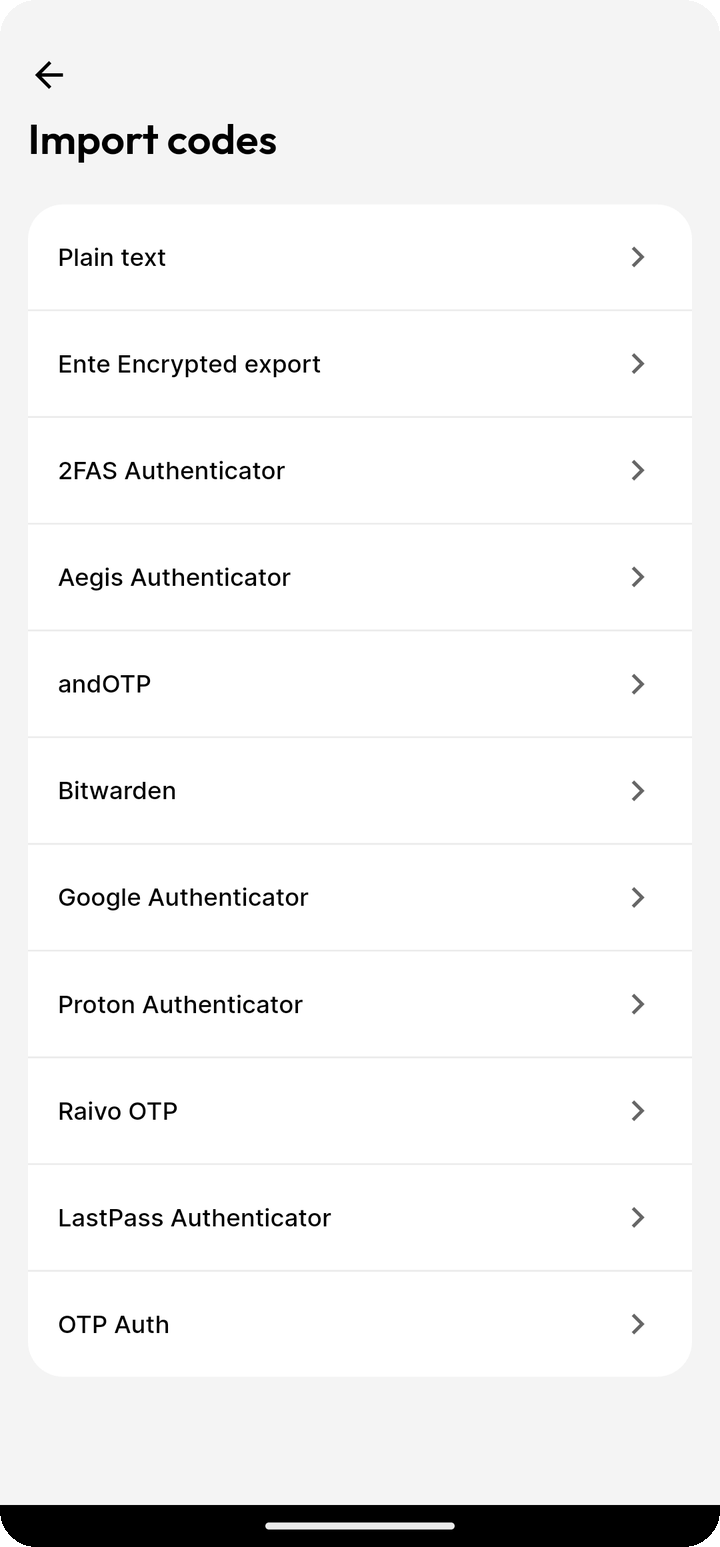
Ente Auth natively supports imports from many 2FA providers. In addition to the providers specifically listed in the documentation, the supported providers are:
- 2FAS Authenticator
- Aegis Authenticator
- andOTP (including encrypted backups, except MOTP)
- Bitwarden
- Google Authenticator
- LastPass
- OTP Auth
- Proton
- Raivo OTP
Details as to how codes may be imported from these providers may be found within the app.
To import from OTP Auth, export an encrypted backup in OTP Auth. In Ente Auth's Import codes screen, choose OTP Auth and select the .otpauthdb or .otpauthdp file. Single-account .otpauth exports are also supported. Enter the export password when prompted.
NOTE
Please note that this list may be out of sync, please see the app for the latest set of supported providers.
Ente Auth also supports imports from Auth's own encrypted exports and plain text files. Plain text files must be in the following format:
otpauth://totp/provider.com:[email protected]?secret=YOUR_SECRET
The codes can be separated by a comma or a new line.
So if your provider is not specifically listed, you might be still able to import from them by first converting the data from your old provider into these plaintext files and then importing those into Ente.